
Three fixes I use when mobile matches get jittery: a router schedule, a DNS swap, and a quick Wi-Fi sanity check.
Schedule the 4 a.m. router reboot
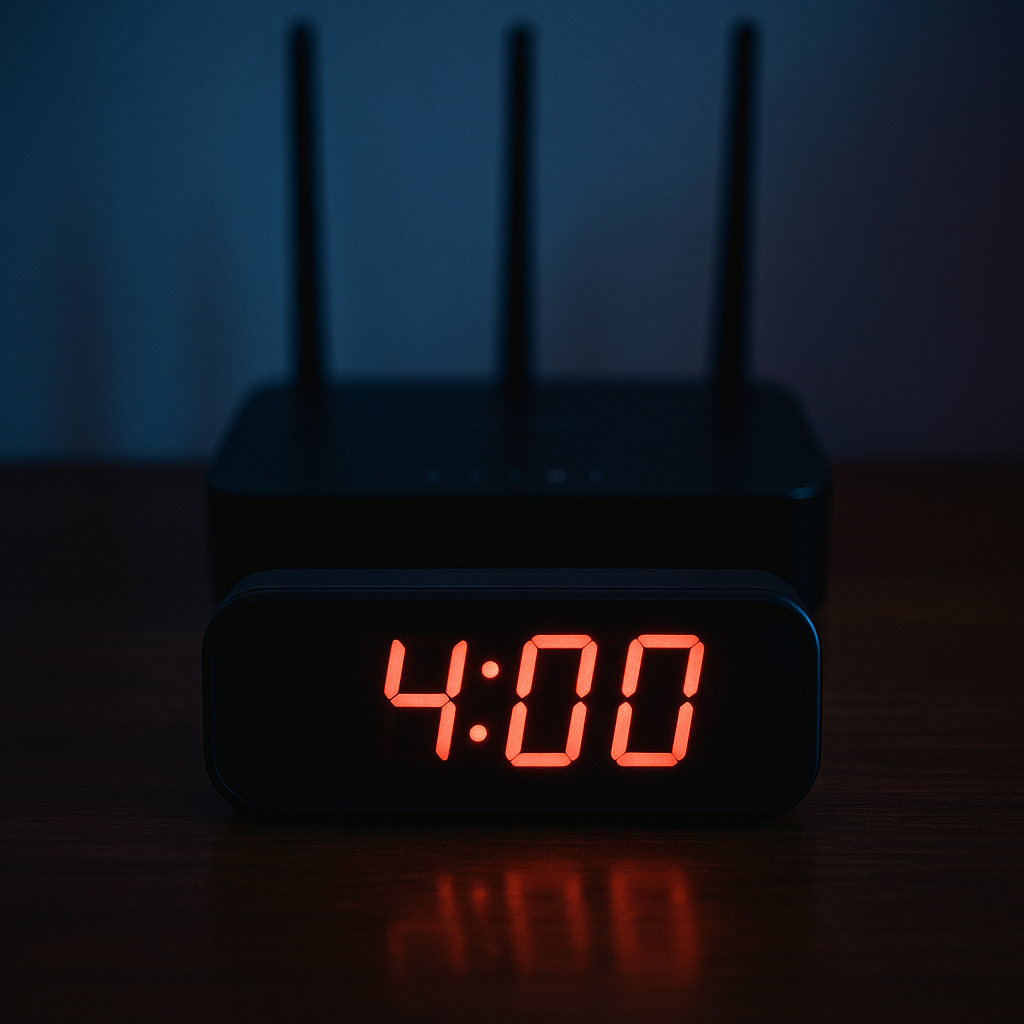
I used to do the classic gamer thing: blame the game. If PUBG Mobile felt like it was dragging my crosshair through mud or my Clash Royale match started doing the little "waiting for network" stutter, I'd start toggling every phone setting like I was defusing a bomb. Then I noticed a pattern that had nothing to do with my iPhone or my Galaxy. The first day after I rebooted my router, everything felt snappy. By day 10 or day 14, the same Wi-Fi would start acting haunted, with random ping spikes and micro-freezes that somehow got worse right when I queued ranked.
The fix that has held up better than any one-off "unplug it" ritual is scheduling the reboot so it happens when nobody cares. Most modern routers have this built in. On ASUS it's usually under Administration or System, on TP-Link it's often in System Tools, and on Eero you can do it from the app (or at least reboot quickly without crawling behind the TV stand). Set it for something like 4:00 a.m. once a week. Not because 4:00 a.m. is magical, but because it's the hour you're least likely to be mid-raid, mid-stream, or halfway through a late-night gacha grind.
After I started doing this, the "day 12" slowdown basically disappeared. The good part is it fixes the problem you can't see: routers building up little hiccups over time, devices clinging to a tired channel, and whatever gremlin is happening when your phone keeps hopping between 2.4 GHz and 5 GHz. It's not glamorous. It also beats spending an hour inside game settings that were never going to fix your jittery connection in the first place.
Swap DNS on your phone before you blame matchmaking
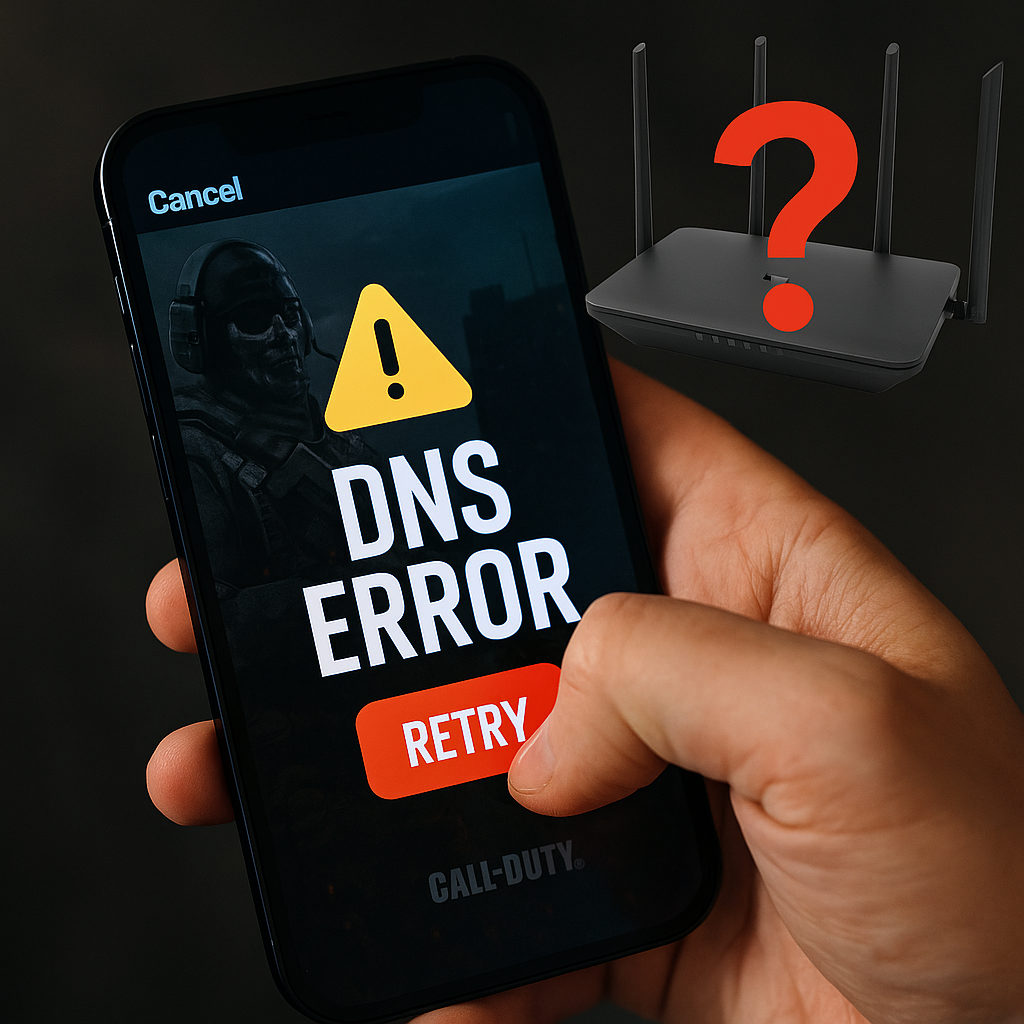
Here's the annoying kind of lag: the match is fine once you're in, but everything around it feels sticky. Login takes forever. The store spins. Your friends list won't populate. You hit "Start" in Call of Duty: Mobile and it sits there long enough that you swear the button didn't register, so you tap again, and now you're in the double-queue dance. A lot of that is just the game being the game, but DNS can make it worse in a very specific way: your phone is asking, "Where is this server?" and getting a slow, messy answer.
I don't touch this every day, but when my home Wi-Fi is otherwise healthy and mobile games suddenly feel like they're wading through syrup, I change DNS on the device I'm playing on. On iOS: Settings > Wi-Fi > tap the network > Configure DNS > Manual, then add either Google DNS (8.8.8.8 and 8.8.4.4) or Cloudflare (1.1.1.1 and 1.0.0.1). On Android it's similar, but often easier to use "Private DNS" in Network settings (you can use dns.google or one.one.one.one). Then I force-close the game and relaunch so it's not hanging onto old lookups.
What changes for me isn't "my ping is 10 ms now". Mobile gaming rarely works like that. What changes is the friction: the time between tapping Play and actually getting into a lobby, the speed of pulling down updates, the weird moments where the game acts like your connection is bad while YouTube loads instantly. If you're the kind of person who checks patch notes and knows when a new season drops, you also know these apps hammer a pile of endpoints, not one magic server. A DNS that resolves faster and more consistently can make that whole outer layer of the game feel less cursed.
If nothing improves after a day, revert it. This isn't a permanent religion. It's a quick lever you can pull before you start accusing matchmaking of sabotaging you.
Do a two-minute Wi-Fi sanity check (channel, band, distance)
I can tell when I'm about to have a bad Mobile Legends match before I even queue: the Wi-Fi icon looks fine, but inputs feel a half-beat late in the menu. That's my cue to stop thinking like a player and start thinking like a person standing in a building with walls, appliances, and too many devices. You don't need a network engineering degree for this. You need two minutes and a little suspicion.
First, check which band you're on. If your router uses the same network name for 2.4 GHz and 5 GHz, your phone will "helpfully" bounce between them. 5 GHz is usually faster and cleaner up close, but it drops off hard through walls. 2.4 GHz reaches farther but gets stomped by neighbors and every cheap smart device in the world. When I'm playing something twitchy (COD: Mobile, Fortnite on mobile, even a sweaty Brawl Stars push), I want consistency more than peak speed. If I'm two rooms away, I deliberately pick 2.4 GHz. If I'm in the same room as the router, I pick 5 GHz and stay there.
Second, take three steps. Seriously. Move to where you have a clearer line to the router, or at least out from behind the fridge, the microwave, and the TV. I've watched my "lag" vanish by not sitting in the exact corner of the couch where the signal has to ricochet around a metal bookcase. It's a dumb fix that works.
Third, look at channel congestion if your router makes it easy. Some apps and router dashboards will show channel use, or you can just flip the 2.4 GHz channel from Auto to 1, 6, or 11 and test one match. I do one unranked game as a benchmark, not a whole evening. When you hit the right channel, the game stops doing that rubber-band snap-back when you strafe and your aim stays where you put it. It feels less like "my phone is dropping frames" and more like you're finally playing the same match everyone else is playing.