
Lock 60 Hz, tame haptics, and stop games from waking your screen at 2 a.m.
Cap your frame rate before your phone cooks itself
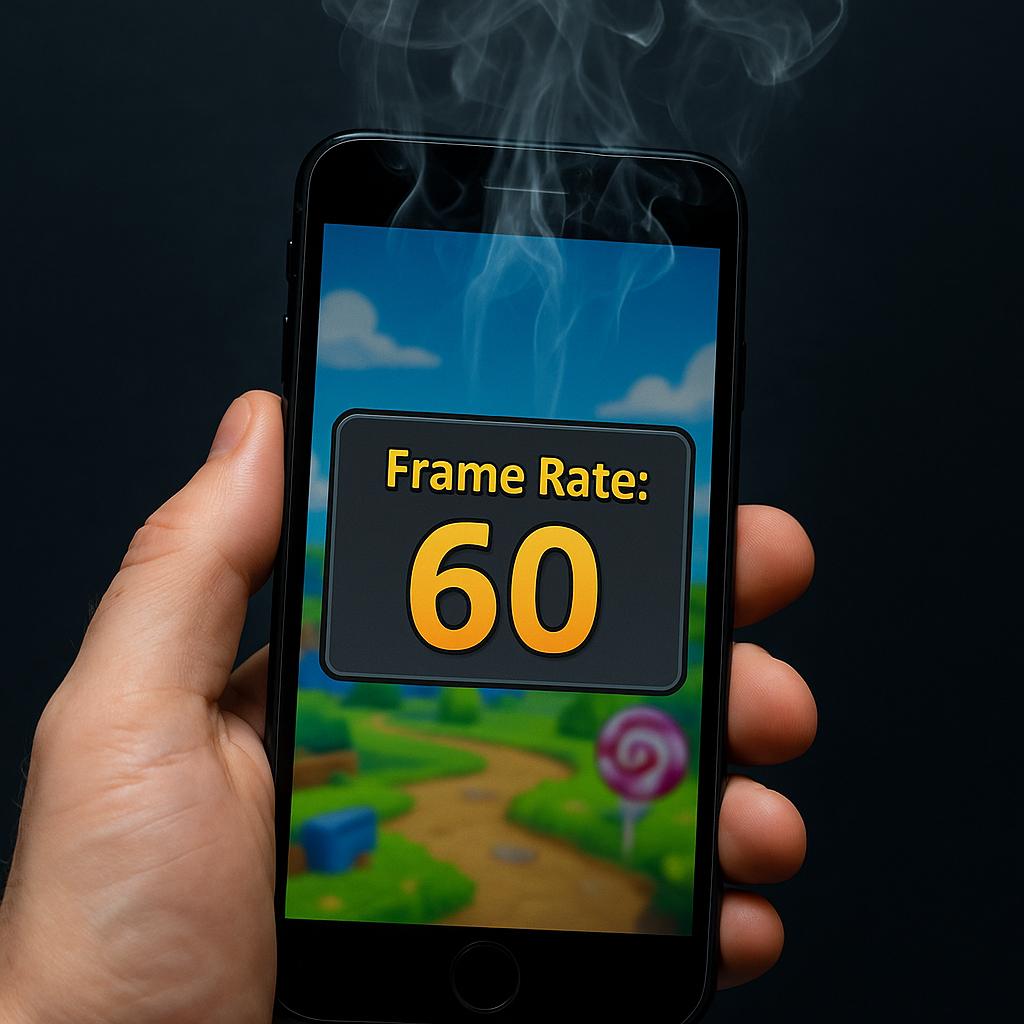
The easiest battery win in mobile gaming is also the least dramatic: stop pushing frames your eyes barely notice on a six-inch screen. On a long flight, I used to open a match-3 or a gacha home screen and watch my phone get warm even while I was doing nothing. Turns out a lot of games will happily run the menu at 90 or 120 fps, keep the GPU busy, and drain you while you're just deciding what to play.
Do the boring fix once. If your game has a graphics setting, set it to 60 fps (or even 30 if the option exists). Plenty of big titles have it now, and some casual games hide it behind a tiny gear icon on the title screen. If the game doesn't offer it, do it at the system level. On iPhone, Low Power Mode forces a more conservative refresh behavior and often knocks games down without you hunting through settings. On Android, some phones let you set the display to 60 Hz in Display settings (Pixels, Samsungs, and OnePlus all have some version of this). 60 Hz feels normal in most tap-heavy games, and if something looks choppy, you can always switch back when you're on a charger.
Here's the part people miss: brightness and frame rate stack. If you're playing at 80% brightness in a sunny airport and the game is also hammering 120 Hz, you're basically paying double. I aim for 60 Hz plus auto-brightness, then I bump brightness manually only if the screen is unreadable. The payoff is not theoretical. You can get through an hour of grinding in something like Clash Royale or Pokémon GO menus without that heat-soaked phone feeling, and you still have battery left for maps, boarding passes, and the inevitable "where's my hotel" moment.
Turn off the vibration spam (your hands will thank you)
I like good haptics as much as anyone, but mobile games abuse them. The little "tick" on every tile swap, the buzz when you collect coins, the mini-rumble for a quest popup you didn't ask for. It's not a huge drain in a ten-minute session at home. On a weekend trip where you're playing in short bursts and not charging constantly, it adds up in a way you can feel: battery dips faster, and your hands start to get that faint numb feeling from constant vibration. Also, if you're playing in bed next to someone, the phone buzzing on the nightstand is a fast way to become unpopular.
There are three places I check, because games are inconsistent. First is inside the game: look for "Haptics," "Vibration," or "Controller" settings. Some titles have separate toggles for "combat" versus "UI" vibration, and the UI one is the constant offender. Second is system settings. On iPhone, Settings > Sounds & Haptics lets you dial down the overall feel, and you can disable System Haptics so the phone isn't doing extra work on top of the game's own feedback. On Android, it's usually Settings > Sound & vibration, and you can turn off "Touch vibration" or lower the vibration intensity.
The third spot is the sneaky one: accessibility. If you already use Reduce Motion or similar features, some games respond by changing animation pacing, which can make haptics feel even more relentless because the feedback lands more often than it should. I keep it simple: haptics off in the game, system haptics low, then I allow vibration only for calls and alarms when I'm traveling.
What surprised me is how quickly you stop missing it. In a card battler like Marvel Snap, the game still feels crisp because the responsiveness is visual, not buzz-based. And in endless runners, removing vibration actually makes me play longer because my hands don't get annoyed. It's a small switch that makes your battery graph look like you did something smarter than you did.
Stop games from lighting up your screen after midnight
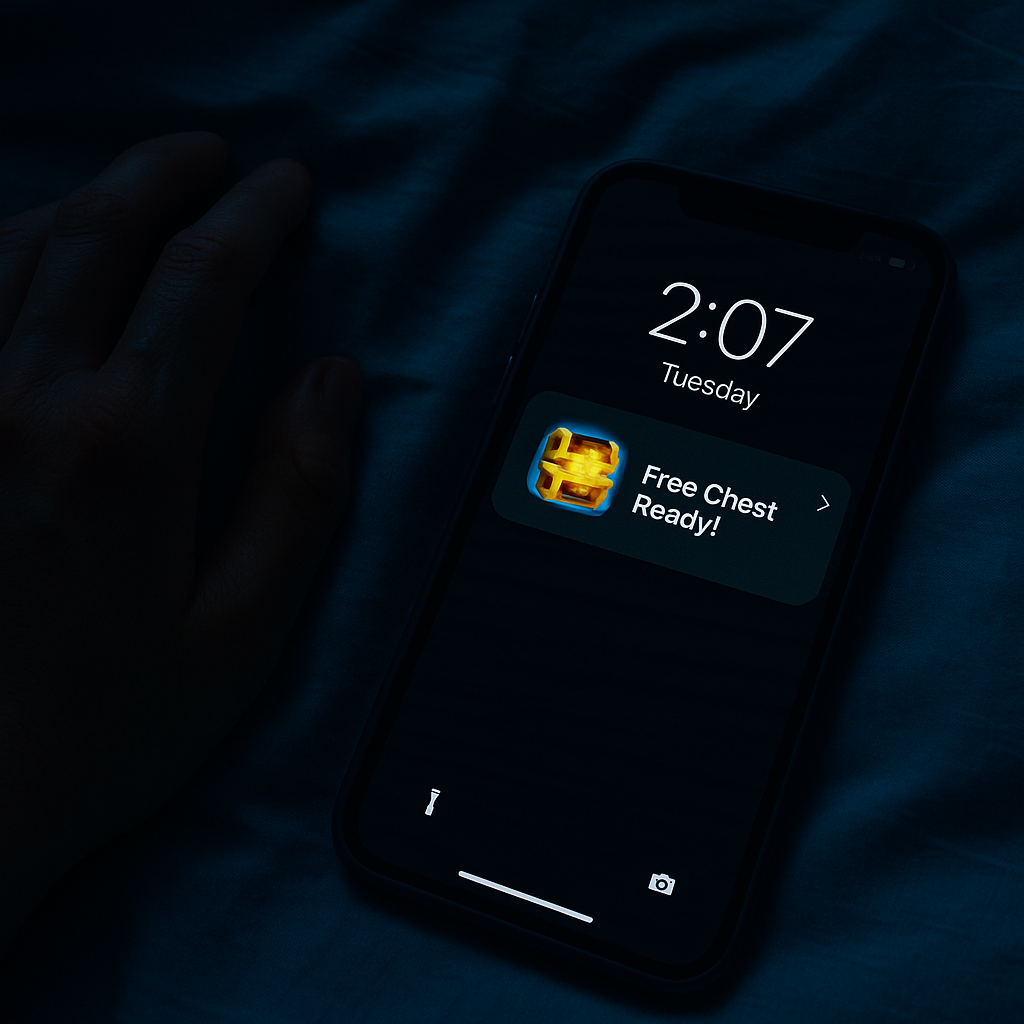
I've had this happen in a hotel room more times than I'd like to admit: you fall asleep with 42% battery, you wake up to 11%, and the culprit is a mobile game pinging you with "free chest ready" and waking the screen just enough times to murder standby. The game isn't even open. It's just noisy in the background, and your phone keeps obliging. If you're traveling and using your phone for transit, rideshares, and boarding passes, this is the kind of drain that makes the next morning annoying.
Fix it like you're mad at it. Go to the game's notification settings and turn off anything that isn't genuinely useful. You want to keep maybe one category (friend messages, if you care), and kill the rest: energy refills, limited-time offers, streak reminders, and all the "come back" stuff. On iPhone, long-press a notification, tap Options, then go straight to Settings for the app. On Android, press and hold the notification and you can toggle categories right there. Most games break notifications into multiple channels, and the marketing channel is usually obvious once you see it.
Then do the battery side, because some games will keep trying even when they're muted. On Android, check Battery usage for the game and set it to Restricted if it's being weird. On Samsung, you can also put it into Deep sleeping apps, which is a polite way of saying "do not wake up unless I tap you." On iPhone, I usually turn off Background App Refresh for games across the board. Social apps can argue they need it. Candy Crush doesn't.
The tiny detail that made this stick for me: I set a Focus mode (Sleep or Do Not Disturb) that doesn't allow any game notifications at night, even if I forget to toggle something inside the app. That way a new install can't sneak in with default settings and start flashing the lock screen at 2:07 a.m. You wake up with the same battery you went to bed with, and your phone stops feeling like it's working a night shift.