
Sleeves, touch sampling, and one low-stakes control check that keeps my aim from feeling weird 10 minutes later.
Thumb sleeves: the $8 fix that feels like cheating
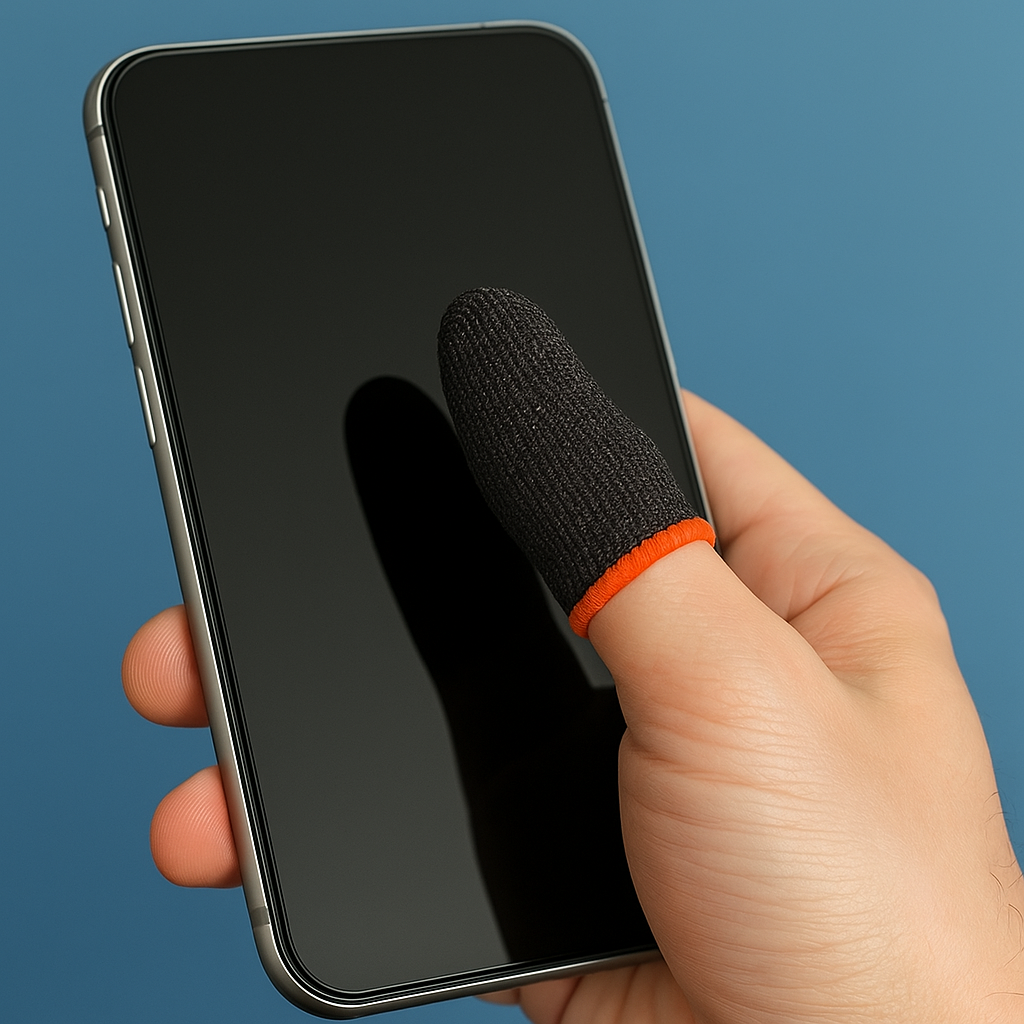
I used to think thumb sleeves were streamer nonsense. Then summer hit, my phone got that faintly tacky feel, and suddenly every flick in COD Mobile or PUBG Mobile had a little hitch in it. Not lag. Not FPS. Just my skin dragging. The stupid part is how fast it ruins your mood, because you keep overcorrecting and it feels like the game is messing with you.
Buy any decent pair (Razer, Flydigi, or the no-name multipacks are all fine) and treat them like a consumable. If the weave starts to shine or the edge rolls, it is done. The good ones have this slick, consistent glide that stays the same from the first match to the fifth, which is the whole point. I keep one pair in my controller case and one pair in my backpack, because nothing is more annoying than realizing you left them at home when you finally have a quiet 20 minutes.
Two practical notes from doing this too many times: First, wipe your screen before you put the sleeve on. A quick pass with a microfiber cloth takes off that invisible oil film that turns the sleeve into a smudge mop. Second, don’t mix sleeves with greasy snacks. I learned that one with a bag of chips during a Netflix-and-grind night. The sleeve picked up salt and oil, then the touch input started feeling mushy, like I was swiping through pudding. If you play touch shooters or rhythm games like Project SEKAI, the sleeve is the difference between “my phone feels fine” and “why can’t I hit anything tonight?”
Dial in touch sampling with one training lap
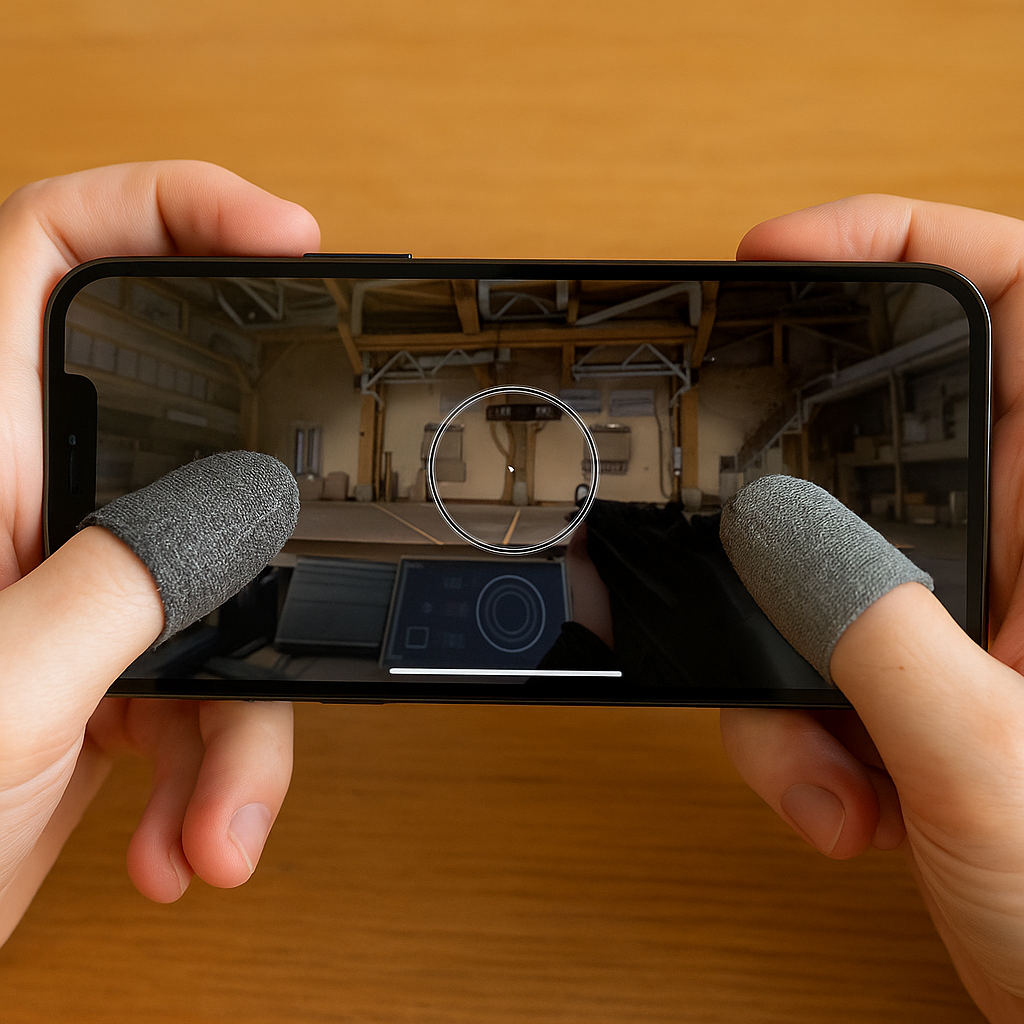
Most people obsess over graphics settings and ignore the one thing you feel every second: touch response. On iPhone, I toggle “Limit Frame Rate” inside the game if it exists, but the bigger win is making sure the device is running its higher touch sampling mode. Apple calls it ProMotion on the supported models. Android brands have their own labels, but they all boil down to the same behavior: the screen reads your finger more often, so quick micro-corrections stop feeling like they’re arriving late.
I don’t change this mid-session. I do a single warm-up lap first, because once you notice weirdness you can’t un-notice it. In a shooter, that means the training range: stand still, drag a slow circle, then do four fast 180s. You’re looking for two tells: does the reticle “stair step” when you try to draw a smooth circle, and does it overshoot when you snap-turn? In a rhythm game, it is even simpler: tap-drag-tap on a dense chart for 30 seconds and pay attention to whether your drags register as clean holds or break early.
If it feels off, I check the boring stuff in this order: low power mode (it can throttle display behavior), an aggressive battery saver on Android, and whether the phone is cooking. Heat is a silent saboteur. I’ve had Genshin Impact turn my inputs syrupy after 10 minutes because the case trapped heat, so now I pop the case off for anything that makes the device warm. It looks silly, but so does missing easy shots and blaming “servers” in your group chat.
The control-layout sanity check I stole from esports VODs
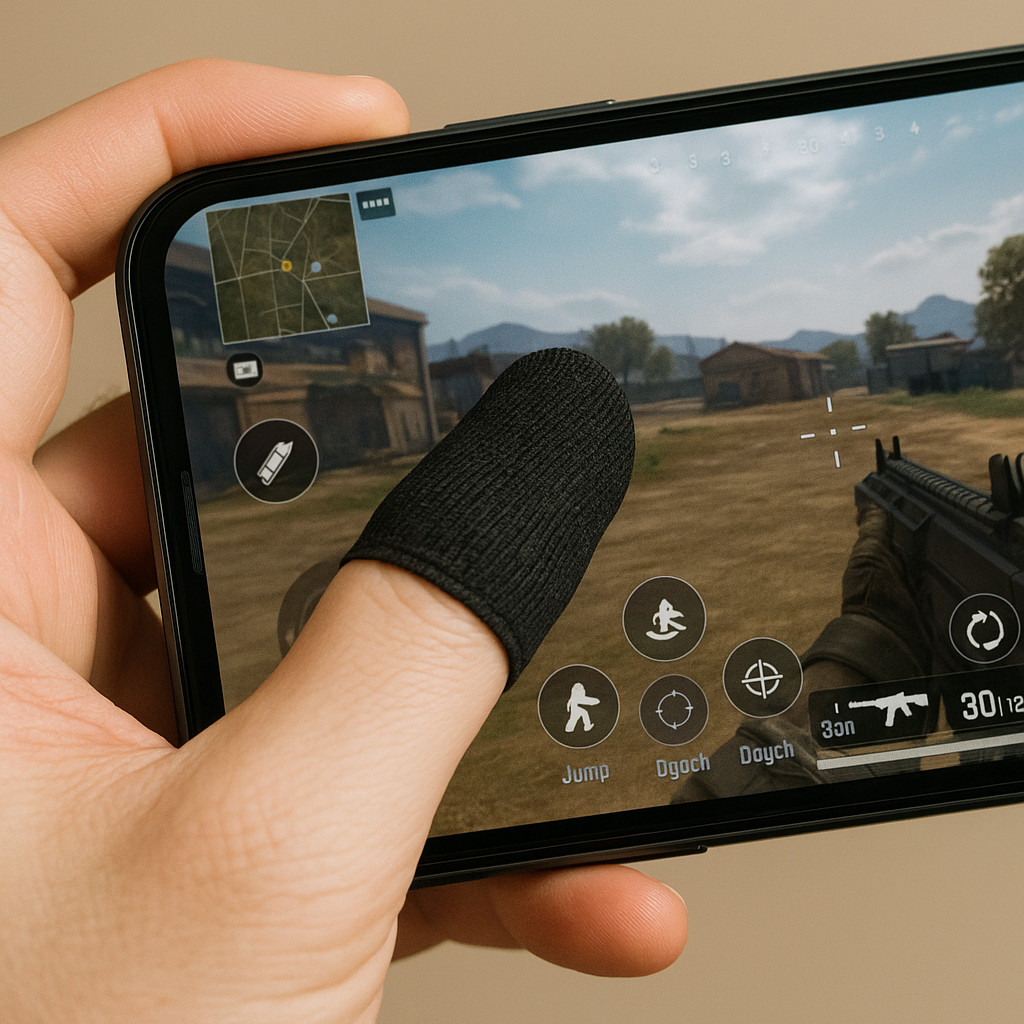
There’s a specific kind of frustration that only happens on mobile: you know what you meant to press, but your thumb hits the wrong button by three millimeters and the game punishes you like you made a terrible decision. When that starts happening, I don’t tweak sensitivity first. I do a layout sanity check, the same way I see creators do it in slow-motion VOD reviews on YouTube Gaming.
Open your HUD editor and do this with the phone in your actual grip, not sitting on a desk. Now, without thinking, place your right thumb where it naturally rests. That’s your “home.” Anything you need under stress (jump, crouch, dodge, ability, reload, swap) should be reachable from home with a short roll, not a big stretch that makes your thumb land flat. Flat thumb equals sloppy taps. Sloppy taps equal you yelling at a rectangle.
I also look for overlap traps: buttons that are close enough that a slightly sweaty thumb registers the wrong one, or UI elements that steal touches (a tiny chat bubble, a minimap you keep pinging by accident, a “watch ad” icon in a casual game that you graze and suddenly you’re in a 30-second trailer you didn’t ask for). If the game lets you set transparency, I drop non-combat stuff to about 20 to 30% so it’s visible but not begging to be pressed.
Then I run one real match with a rule: no mid-fight adjustments. If I’m still fat-fingering, I change only one thing afterward, usually button size before position. Bigger buttons feel dumb until you’re in the last circle and your thumb is shaking a little. That’s not “skill issue.” That’s physics.