
A cheap mic test, one Discord toggle, and a dead-simple comm script that keeps mobile squads from spiraling.
Record 15 seconds before you blame your mic
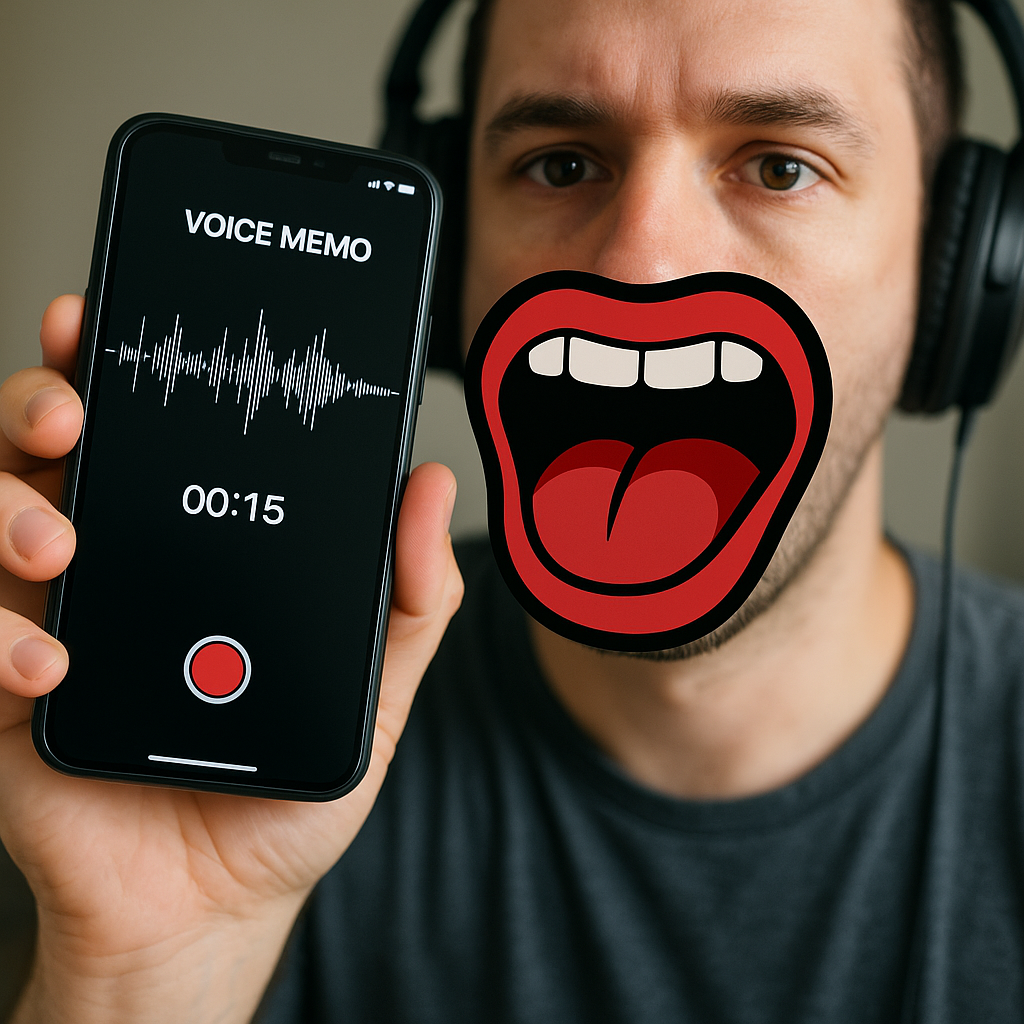
I used to do the classic thing: lose one fight, hear a teammate say "your mic is scuffed," and then spend the next two matches toggling settings mid-gunfight like that was going to end well. The fix that saved me is boring, but it works: I record 15 seconds of my own voice before we queue, and I listen to it. On mobile, you can do this with the built-in Voice Memos app on iPhone or any basic recorder on Android. If you're using Discord, you can also use its mic test so you hear the same processing your party will hear.
What I'm listening for is not "does it work." It's three specific tells that show up in online play and get mistaken for "bad comms":
- Gate snapping: your first syllable gets eaten. You'll hear "...ight" instead of "right". That's usually automatic voice activity detection. If your app has a sensitivity slider, bump it so it opens sooner, or switch to push-to-talk if you're disciplined enough.
- Robot gravel: you sound like you're talking through a fan. That's often Bluetooth plus packet loss. If I'm on true wireless earbuds, I switch to wired USB-C (or Lightning) earbuds for ranked. Not forever, just for the session.
- Laggy echo: you hear yourself half a beat later. That's nearly always someone in the party using speaker audio so their mic is re-capturing the call. It makes everyone sound worse and turns simple callouts into a mushy chorus.
Then I do one quick calibration line: "Hold on, I'm going to say three things fast: one-shot left, rotate B, I'm reloading." If that line comes out clean, your comms are ready for the exact phrases you'll spam in a match. And if it comes out messy, you fix it before the lobby timer starts yelling at you.
The one-callout rule that stops the comm pileup
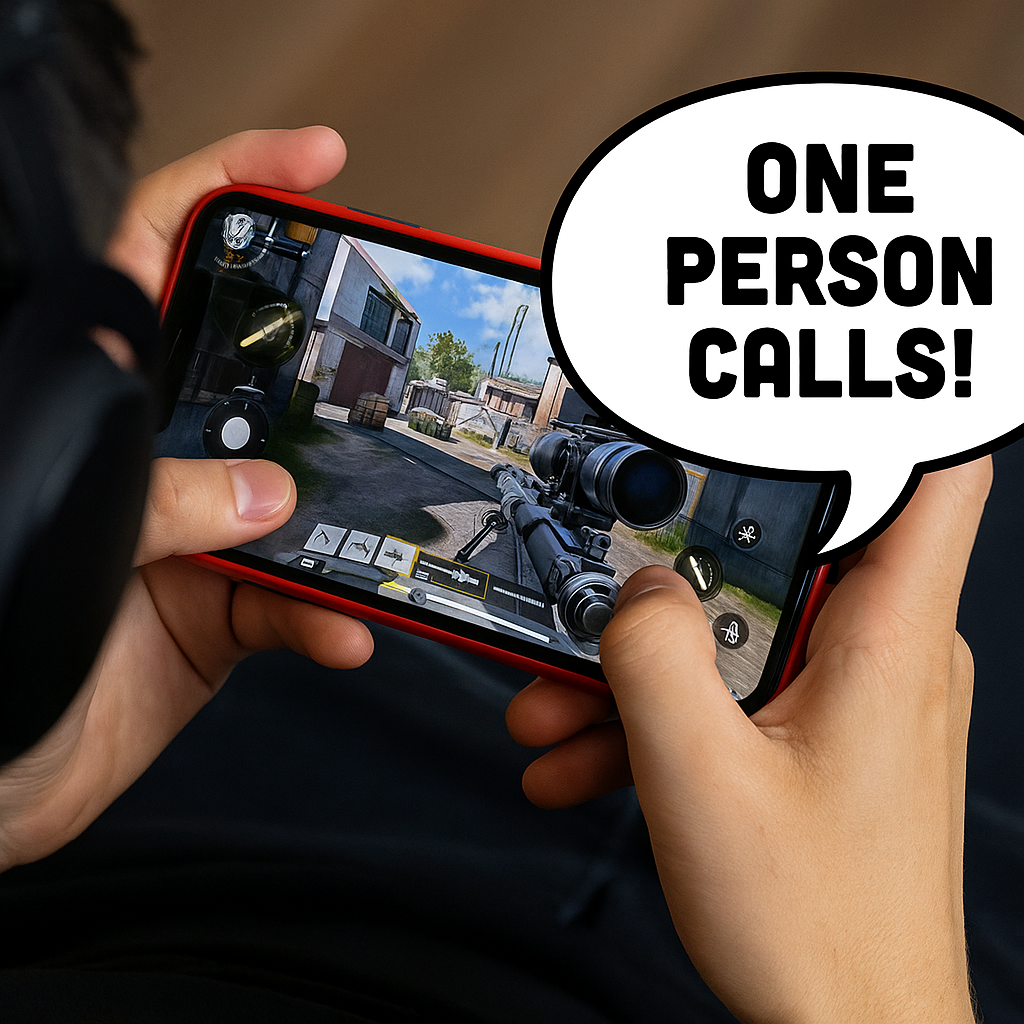
Most mobile squads don't lose because they "need better comms." They lose because comms get noisy at the exact moment you need them clean. You know the moment: two enemies swing, somebody panics, and suddenly you've got three overlapping play-by-plays, plus the game audio you were relying on for footsteps. The fix I run with friends is a simple rule that sounds strict but feels like relief once you try it: one person calls, everyone else confirms.
Here's how it plays out in a real match. If I'm the caller, I keep it to a short format that works in any online queue: location + number + action. "Top stairs, two, backing." Or "Truck, one-shot, don't chase." That is it. No flavor commentary. No recap. In mobile shooters especially, your team is also fighting thumb accuracy and a smaller screen, so they need the headline, not the novel.
Everyone else in the party doesn't add new sentences unless they have new information. They confirm with two words: "copy" or "can't". "Copy" means you're doing it. "Can't" means you're pinned, reloading, healing, or you don't have line-of-sight. If you want to be fancy, add one tag: "can't, reloading" or "copy, flanking."
The part that surprised me is how quickly this reduces arguments. When the caller says "reset, don't ego-chal," and you answer "can't, stuck," you've communicated the real problem without turning it into a debate. And when someone is dead and spectating, they're either silent or they get one lane: only call what they can see on the minimap. Not "you should've". Not "why didn't you". Just pings and numbers, because the living players are the ones trying to track audio cues and recoil on a phone.
Kill the Bluetooth flip: lock your audio route first
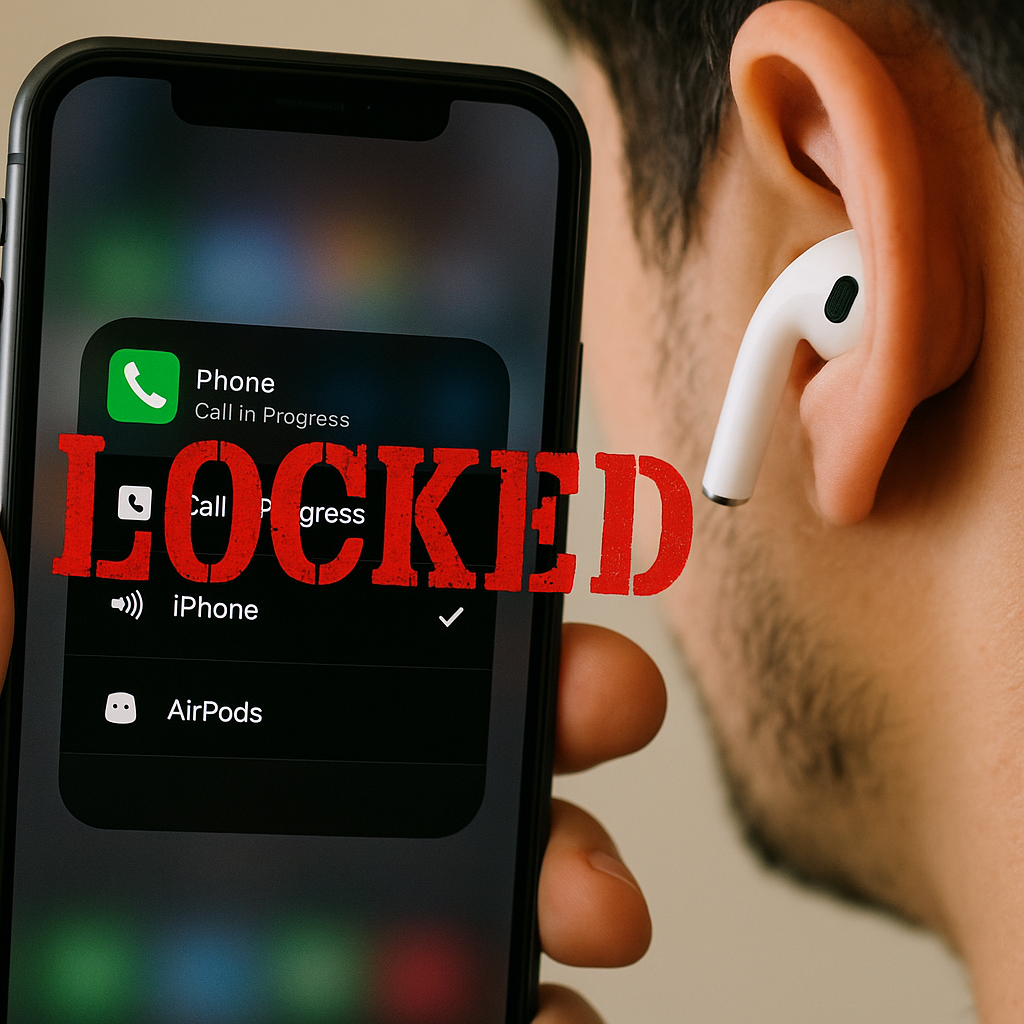
Mobile online play has a special kind of audio sabotage that PC players don't think about: your phone will happily switch your input or output device mid-session, usually at the worst possible time. You take a call, you alt-tab to a payment screen for a battle pass, your earbuds reconnect after a hiccup, and suddenly your voice chat is coming from the phone speaker while your mic is still on the earbud. The party hears you fade in and out like you're walking away from a campfire.
Before I queue, I do a quick "route lock" so the phone doesn't freestyle its way through my match. It takes one minute.
- Connect the exact audio you plan to use (wired or Bluetooth) and then turn Bluetooth off and back on once. This sounds silly, but it forces a clean reconnect and stops the half-connected state where the audio is on the earbuds but the mic is secretly on the handset.
- Open the app you'll be using for voice (in-game chat, Discord, or a party app) and speak. Don't just watch a green bar. Ask a teammate: "Do I sound like I'm on speaker?" They know instantly.
- Lock in-game audio after voice. I set voice first, then the game. If you do it the other way around, some titles will drop your game audio into a low-quality "call mode" the second voice chat grabs the mic.
- Do a fake interruption: open your Control Center/Quick Settings and tap the audio output picker. If you see two options that look almost identical (like "AirPods" and "iPhone"), pick the one you want and leave it there. If you can't pick it, that's a red flag. Fix it now, not when you're last alive.
If I'm playing something sweaty on mobile, I avoid true wireless for the session and use cheap wired buds with an inline mic. It isn't glamorous, but it's stable, and stable is what you want when your whole plan depends on hearing "one-shot" before the enemy swings you. When you get this right, you stop doing the mid-match ritual of "wait, can you hear me" while the round timer keeps moving.